Author: Fieldline

  • Selling retail into salons: taking the order at the front desk

    Selling retail into salons: taking the order at the front desk

    Selling into salons isn’t like selling into supermarkets. The buyer is usually the owner, who’s also a working stylist with a client in the chair. Retail matters to them, but it isn’t why they opened the doors. A rep who respects that, and makes ordering quick, gets invited back.

    Arrive knowing the account

    Nothing slows a salon call down like asking what they ordered last time. Have the account’s sales history, favourite lines and contract pricing in front of you before you walk in. The conversation can then start with what’s moving and what needs restocking, not with a stocktake.

    Make the shelf the conversation

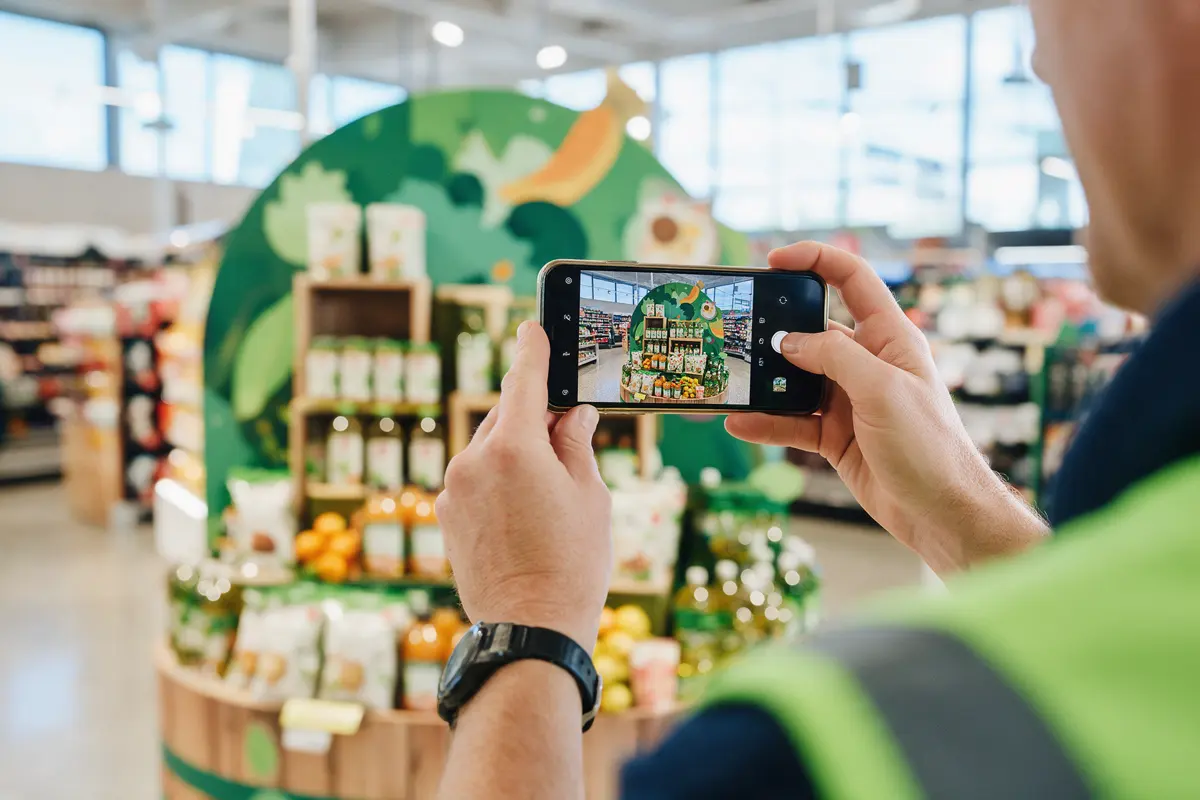
    Salon retail lives on a few shelves near reception. A quick look at those shelves tells you what has sold, what’s dusty and where a new line could go. A photo of the shelf on each visit builds a record of how the retail area changes over time, which is useful for both you and the owner.

    Get the order signed there and then

    Leaving with a promise to email the order later is how orders get lost. Take the order at the counter with GST worked out, let the owner check it on the tablet, collect a signature and send it. If they need a credit for damaged stock or a quote for a new range, do that in the same visit.

    Keep the visit rhythm steady

    Salons value predictability. Agree a visit frequency that suits the account, put it in the journey plan, and stick to it. In between visits, make reordering easy so they don’t run out and switch to another brand.

    How FieldlineOS handles it

    In FieldlineOS, contract pricing, favourites and sales history are on the tablet before the rep walks in. Orders, invoices, credits and quotes are captured at the counter, signed, and on their way to head office before the kettle has boiled.


  • Building journey plans that fit a rep’s real week

    Building journey plans that fit a rep’s real week

    Most field teams have a journey plan somewhere: a spreadsheet, a whiteboard, or a list in the rep’s head. The plan matters because it decides which customers get attention and which quietly drift. But a plan that ignores how the week really runs gets abandoned by Wednesday.

    Start with frequency, not routes

    Begin by deciding how often each outlet should be seen. A busy supermarket might need a weekly merch check. A small salon might be fine every four weeks with a phone order in between. Grouping outlets by frequency first makes it obvious when a territory has more calls than a rep can physically make.

    Then build the route

    Once frequencies are set, cluster calls geographically so travel time is sensible. In New Zealand and Australia, travel can eat a whole morning, so it pays to put the long drives on the same day and protect time for the stores that matter most.

    Leave room for one-offs

    Real weeks include new store openings, a call-back to sort a credit, and a promotion that needs checking before Friday. Build the regular plan around roughly four days of recurring calls and leave space for one-off visits, rather than packing every slot and then breaking the plan.

    Give reps a forward view

    Reps plan better when they can see ahead. A two-week view lets them spot a clash with a long drive, swap a call to a better day, and tell a customer exactly when they’ll be back.

    Keep the plan honest

    • Compare planned calls against completed calls each week.
    • Look for outlets that keep getting pushed back; they’re either over-scheduled or under-served.
    • Review frequencies each quarter as stores grow or shrink.

    How FieldlineOS handles it

    FieldlineOS Journey plans gives each rep recurring and one-off call schedules, with a 14-day planner in the app. Calls from the plan open straight into the call card, so the plan and the work it produces stay in one place.

  • Store surveys reps will actually complete

    Store surveys reps will actually complete

    Store surveys are one of the most valuable things a field team can collect: what’s ranged, what’s out of stock, what a competitor is doing, what the store owner thinks. They’re also one of the first things reps skip when a day gets busy. The difference is almost always in the design.

    Ask fewer, better questions

    Every question should map to a decision someone will make. If nobody is going to act on the answer, cut the question. A survey a rep can finish in two minutes will be answered carefully; a twenty-question form will be tapped through.

    Target the right stores

    A question about chilled range has no place in a hardware store. Target surveys by channel, region, customer group or banner so each rep only sees questions that make sense for the outlet in front of them. Targeting also means you can run a short survey in one region without disturbing everyone else.

    Choose the right moment

    • In-store surveys suit questions about the shelf: ranging, pricing, facings, competitor activity.
    • End-of-call surveys suit questions about the visit: what was discussed, what the owner asked for, what needs follow-up.

    Use answer types that are quick to fill

    Yes or no, pick from a list, a number, or a photo are all faster and cleaner to report on than free text. Keep free text for the one question where you genuinely want the rep’s words.

    Tie surveys to objectives

    Surveys work best when they connect to something the rep is trying to achieve, such as gaining a new line, fixing a display, or getting a promotion approved. Objectives give the questions a purpose, and give managers a way to see progress across a territory.

    How FieldlineOS handles it

    FieldlineOS Surveys includes a survey builder with targeting, in-store and end-of-call surveys, and objectives. Answers sync to the head-office console alongside the call’s orders and photos, so you see the whole picture of a store visit in one place.

  • Ending the 9pm re-key: connecting field orders to your ERP

    Ending the 9pm re-key: connecting field orders to your ERP

    In a lot of NZ and Australian wholesalers the field team and the ERP meet in one tired person. Orders arrive as dockets, photos of dockets, texts and emails, and someone re-keys them so they can be picked, invoiced and reported. It works until that person is sick, on leave, or makes an honest mistake on a quantity.

    The real cost of re-keying

    Re-keying is slow, but slowness isn’t the worst of it. Every order is handled twice, so every order has two chances to go wrong. Customers wait longer for stock. Reps can’t see whether an order has gone through. And because the data arrives late, sales reporting is always describing yesterday.

    Decide what flows, and which way

    Before you connect anything, write down which records need to move between the field app and the ERP, and in which direction. A typical split looks like this:

    • From the ERP to the field: customers, products, contract pricing, stock and sales history.
    • From the field to the ERP: orders, credits and quotes, ready to process.
    • Kept in the field system: merch checks, photos and survey answers that the ERP has no place for.

    API or files?

    If your ERP has a modern API, such as Acumatica through OData and REST, a direct connection is the cleanest option: records move as soon as they sync, and you can see what’s sent and what failed. If your ERP is older or locked down, scheduled CSV files are a perfectly good bridge, as long as the mapping is explicit and someone gets told when a file doesn’t import.

    Own your mappings

    Whichever route you choose, insist on field mappings you control. Product codes, price levels, tax codes and customer accounts never line up perfectly between two systems. You want to be able to adjust a mapping yourself rather than wait on a project.

    How FieldlineOS handles it

    FieldlineOS sends orders from the head-office console to Acumatica through OData and REST, or to any ERP through scheduled CSV files, with field mappings you control. The console shows which records are in the ERP and which are still pending, so nobody is typing orders in at nine at night.

  • Proof of Performance: getting display photos that actually hold up

    Proof of Performance: getting display photos that actually hold up

    When a brand funds an end-of-aisle display or a secondary location, it wants to know three things: did the display go up, was it right, and how long did it stay. For most merchandising teams the evidence is a photo. The trouble is that a photo on its own proves very little.

    What makes a photo trustworthy

    A shelf photo becomes evidence when it carries context the person taking it can’t easily change:

    • When it was taken, captured by the device rather than typed in,
    • where it was taken, checked against the store’s location,
    • which promotion and which store it belongs to, attached at the time of capture,
    • who took it, tied to the rep’s call.

    Photos uploaded later from a camera roll lose most of that. Photos forwarded through a group chat lose all of it.

    Capture it inside the call

    The simplest fix is to make the photo part of the store call rather than a separate task. When a rep opens the promotion check for a store, the app knows the promotion, the outlet and the time. The rep confirms the display is in place, takes the photo, and moves on. No renaming files, no guessing which store a picture came from.

    Review before you report

    Proof of Performance shouldn’t go straight from the shelf to the brand. A short review step lets a merchandising manager check that the photo shows the right products, flag a display that’s short on stock, and approve what goes in the report. It also gives you a record of what was rejected and why.

    A checklist for your next promotion

    • Agree with the brand what “in place” means: location, facings, pricing, header card.
    • Set the check to appear on the right stores’ calls for the promotion’s dates.
    • Require a photo, and make it impossible to attach one from the camera roll.
    • Review and approve before anything goes to the brand.

    How FieldlineOS handles it

    FieldlineOS Promotions covers brand promotions with approval, display checks and a Proof of Performance review. Photos are timestamped and location-checked at the shelf, so the evidence you send to a brand is evidence they can trust.

  • Selling where there’s no signal: why offline-first matters for NZ and Australian reps

    Selling where there’s no signal: why offline-first matters for NZ and Australian reps

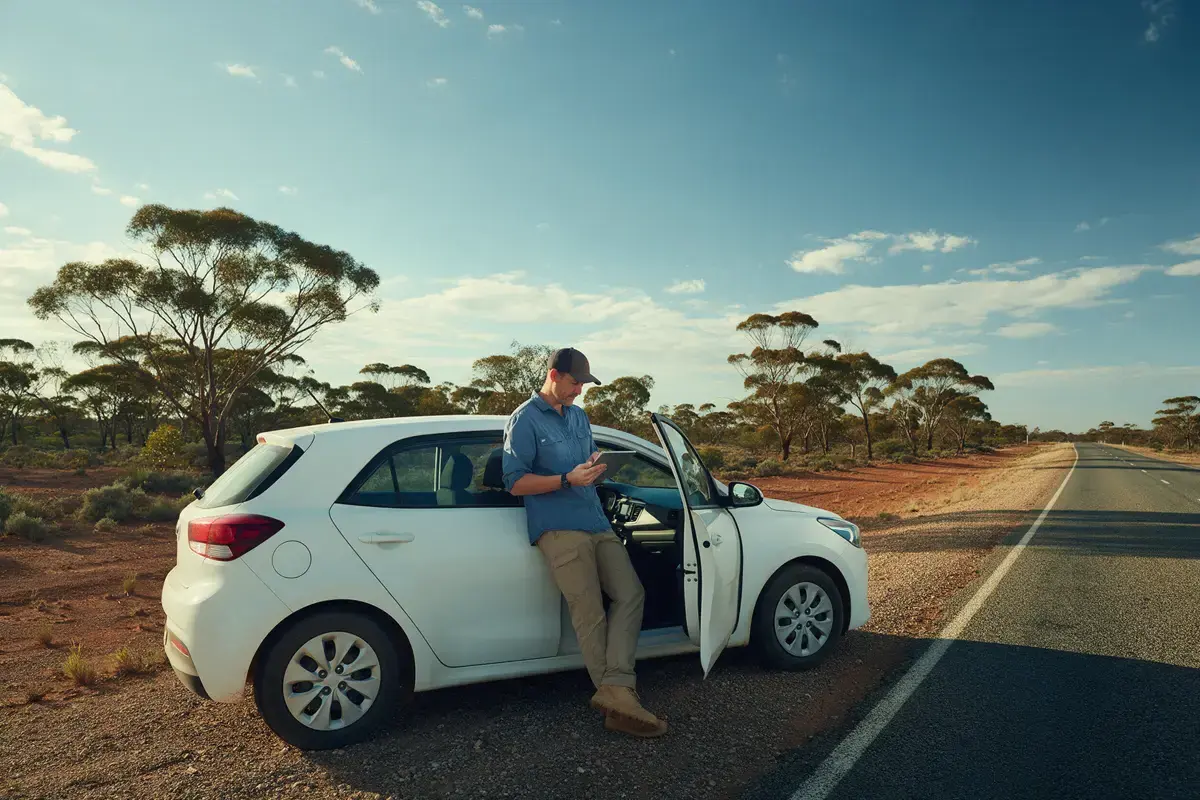
    Anyone who has run a territory outside the main centres knows the pattern. The rep pulls up at a general store, the owner has ten minutes before the bread delivery arrives, and the phone shows one bar, then none. If the order app needs a live connection, the rep falls back to a paper docket or a text message, and the clean data you paid for is gone for that call.

    What offline-first actually means

    Plenty of apps say they “work offline”. In practice that can mean anything from a cached screen that can’t save, to a full local copy of the customer’s pricing, history and favourites. A genuinely offline-first field app treats the device as the place where work happens and the network as a way to move it later. The rep should be able to:

    • open the customer, see contract pricing and recent sales history,
    • take an order, invoice, credit or quote with GST worked out,
    • capture shelf photos and survey answers,
    • collect a signature and finish the call,

    all without a signal, and without being nagged about it.

    Sync is the hard part

    Saving locally is the easy half. The harder half is what happens when the device finds coverage again. Records need to queue in order, upload without the rep tapping anything, and land in head office with the original time and place they were captured, not the time they happened to sync. Otherwise your reporting says the 12:30pm call happened at 3pm in the car park of the next town.

    Questions to ask before you choose

    • Can a rep complete a full call, including photos and a signature, in flight mode?
    • Does the app show what is still queued, so a rep knows nothing is lost?
    • Are timestamps and locations taken when the record is created, or when it syncs?
    • What happens if two people edit the same customer while one is offline?

    Test it the way your reps work: turn on flight mode, do a whole call, drive around the block, and watch what reaches head office.

    How FieldlineOS handles it

    The FieldlineOS field app is built offline-first. Calls, orders and photos save on the device and sync the moment it finds coverage, keeping the time and location they were captured. Head office sees them in the console, and they flow on to your ERP without anyone re-keying a thing.

  • Hello world!

    Welcome to WordPress. This is your first post. Edit or delete it, then start writing!